
Stock Status:
Condition: New
SKU : 5311M21
Power Delivery: USB‑C charging support (up to 90W depending on laptop model).
Connectivity Options:
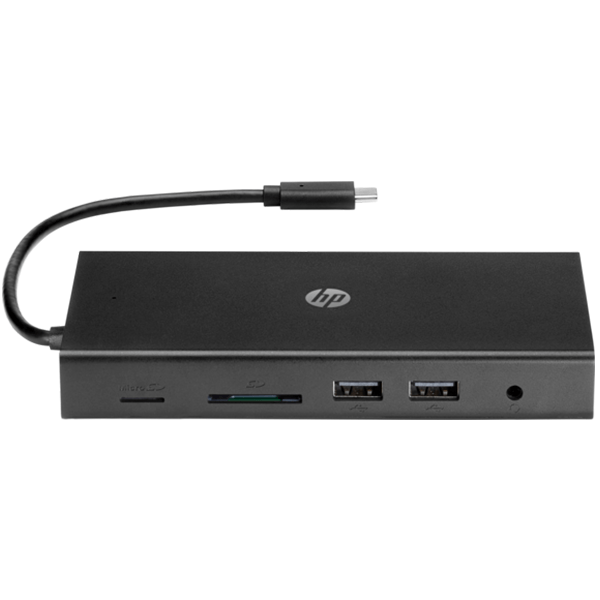
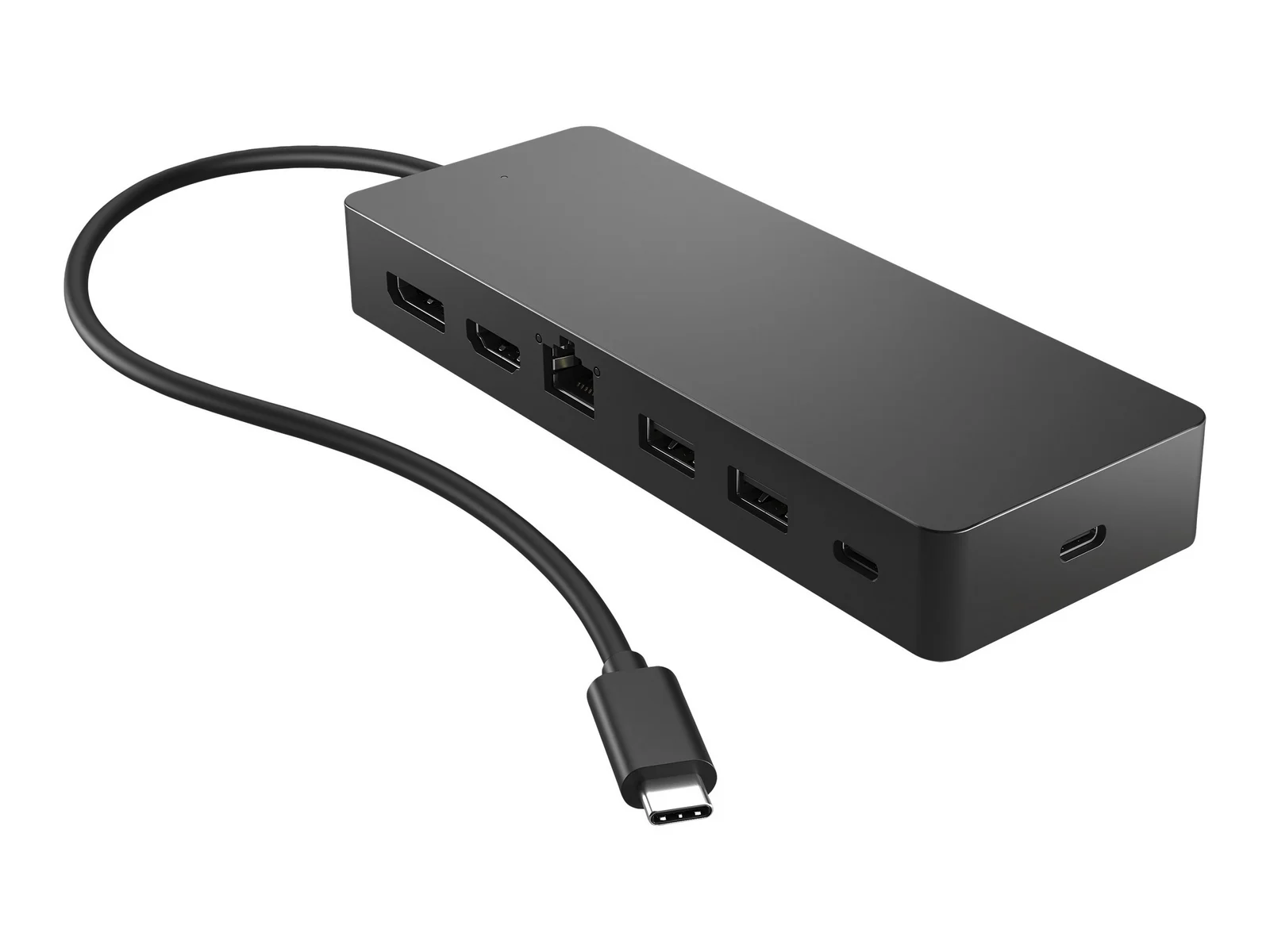
USB‑C upstream port
Multiple USB‑A 3.2 Gen 2 ports
HDMI, DisplayPort outputs
Gigabit Ethernet port
Audio combo jack
Monitor Support: Up to two 4K monitors or one 5K monitor.
Data Transfer: USB 3.2 Gen 2 (10Gbps).
Compatibility: Works with Dell laptops and other USB‑C devices.
Manageability: Centralized firmware updates for IT departments.
Sustainability: Built with recycled materials and eco‑friendly packaging.
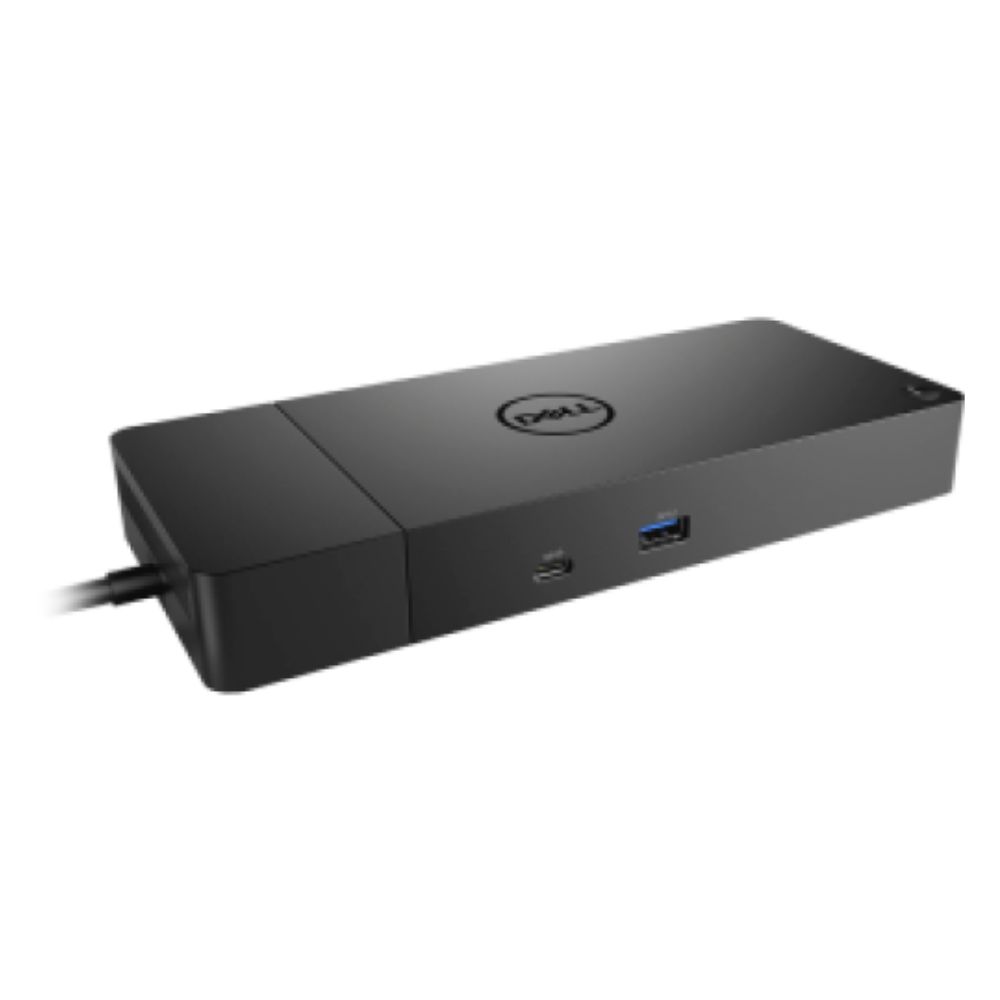
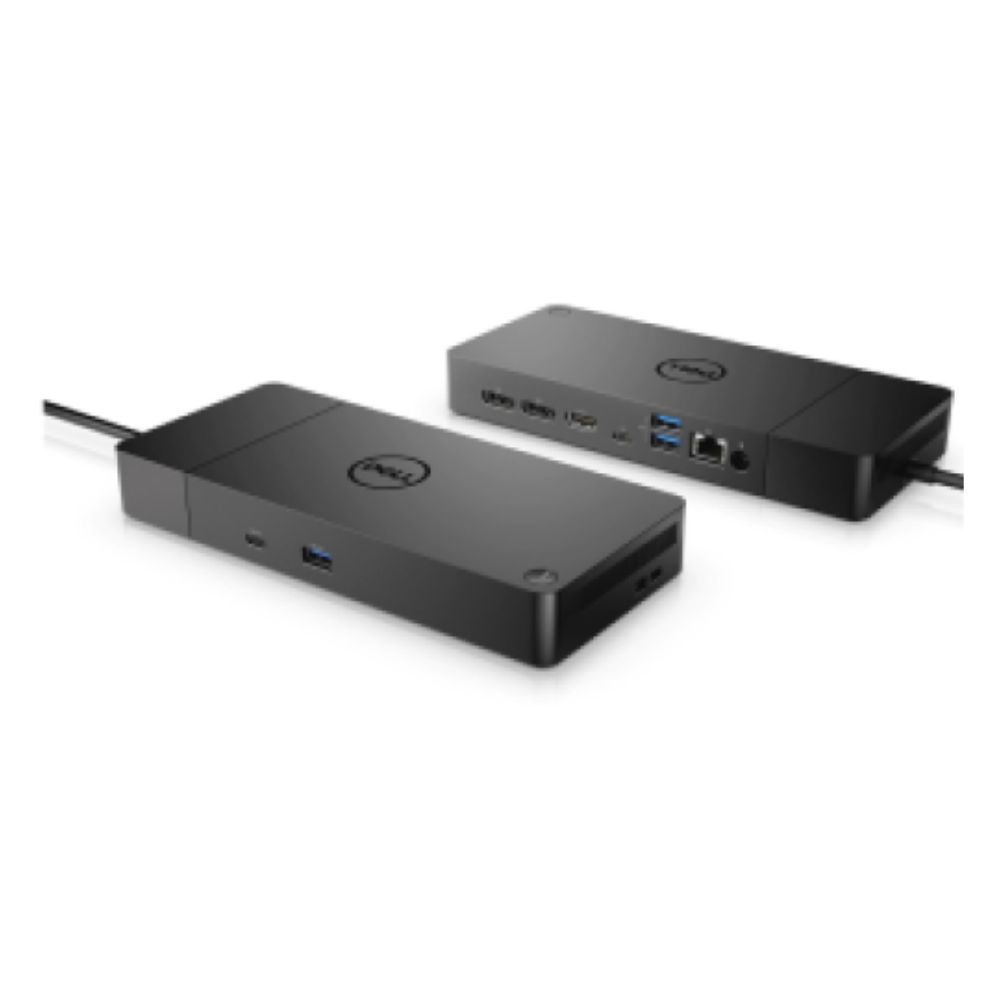
The Dell Pro Dock WD25 is part of Dell’s latest docking solutions, built to simplify workspace connectivity. It allows users to connect laptops to multiple peripherals, external displays, and wired networks through a single USB‑C cable. Designed for IT manageability, it supports firmware updates, centralized management, and sustainable design with recycled materials.
| Component | Details |
|---|---|
| Model | Dell WD25 |
| Ports | USB‑C, USB‑A, HDMI, DP, Ethernet, Audio |
| Monitor Support | Up to 2 × 4K or 1 × 5K |
| Data Transfer | USB 3.2 Gen 2 (10Gbps) |
| Compatibility | Dell laptops + other USB‑C devices |
| Dimensions | Compact modular design |
| Weight | ~0.7 kg |
| Product Description | Price Range (KES) |
|---|---|
| Dell Pro Dock WD25 – DELWD25 | KSh 28,000 – 35,000 |
Fast data transfer: USB 3.2 Gen 2 ensures 10Gbps speeds.
Multi‑monitor support: Handles up to 2 × 4K monitors or 1 × 5K monitor.
Stable networking: Gigabit Ethernet for reliable wired connections.
Productivity boost: One‑cable solution for displays, peripherals, and power.
IT efficiency: Centralized firmware updates simplify management.
Compact footprint: Saves desk space.
Durable casing: Built for long‑term professional use.
Eco‑friendly materials: Incorporates recycled components.
Port layout: Easy access for multiple devices.
Professional finish: Sleek design suitable for office setups.
Corporate offices – enabling employees to connect multiple monitors and peripherals.
IT departments – simplifying deployment and firmware management.
Home offices – seamless connectivity for remote workers.
Educational institutions – supporting labs and classrooms with multi‑device setups.
Multi‑monitor setups – supports enhanced productivity with dual displays.
Peripheral connectivity – connects keyboards, mice, external drives, and audio devices.
Network stability – Gigabit Ethernet ensures reliable wired connections.
Laptop charging – USB‑C power delivery supports Dell and other laptops.
Cross‑brand compatibility – works with non‑Dell USB‑C laptops.
| Pros | Cons |
|---|---|
| Fast USB 3.2 Gen 2 speeds | Higher cost compared to basic docks |
| Supports multiple monitors | Best optimized for Dell laptops |
| Eco‑friendly design | Limited compatibility with older laptops (no USB‑C) |
| Centralized IT management | Slightly bulkier than compact hubs |
1. Can it charge non‑Dell laptops? Yes, but charging speed may vary depending on the laptop brand.
2. How many monitors can it support? Up to 2 × 4K monitors or 1 × 5K monitor.
3. Is it future‑proof? Yes, with USB‑C and firmware update support.
4. Does it require drivers? Dell laptops auto‑detect; other brands may need driver installation.
5. Is it eco‑friendly? Yes, built with recycled materials and sustainable packaging.
Copyright © 2025 Frontline Equip Africa - All Rights Reserved.